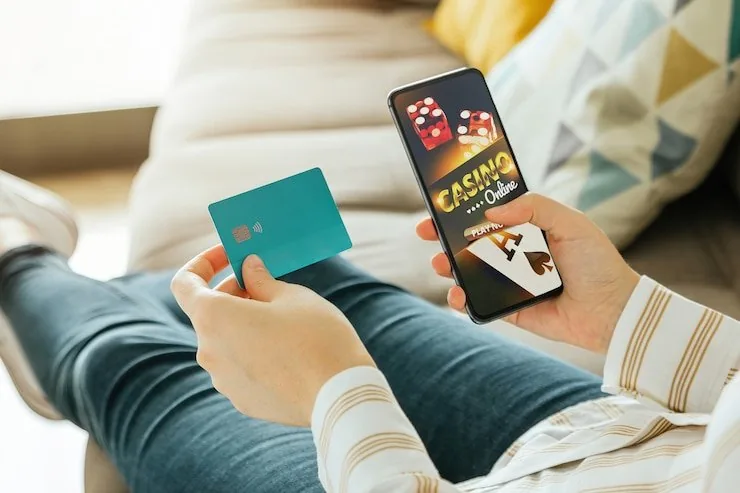

Mobile Access in 3 Simple Steps
Getting the score888tv mobile lobby running does not need an app store visit. First, open the current score888tv address in your phone browser — Chrome on Android and Safari on iOS both handle the layout well. Second, check that your browser is up to date; an older version may not render the live table stream from Evolution or Pragmatic Play studios correctly.
Third, sign in with your account credentials or use fingerprint login if you have already enabled it. If a native app build becomes available for download, a banner will appear on the site home screen with the verified link — we do not distribute APK files from third-party sources.
- Open score888tv — Type the address directly into Chrome or Safari — do not use an old saved link that may point to a cached page.
- Check browser compatibility — Update your browser to its current version so live streams and the betslip load without errors on your handset.
- Sign in securely — Enter your credentials or approve the fingerprint prompt. Your account wallet, deposit options, and game history are all there immediately.
- Verify app availability — Look for the official download banner on the home screen if you want a native build. Only install from the link we publish there.